
Microsoft’s Copilot Just Got Smarter — It Can Now Write Your Office Docs and Read Your Gmail
AI is no longer just helping you write emails, it’s about to start reading them for you.
Microsoft has quietly rolled out a major update to its Copilot app on Windows, turning it into something far more capable than a chat assistant.
Now, you can ask it to create Word documents, Excel sheets, PowerPoint slides, or even PDFs, all directly from the chat window.
From Chat to Word in One Click
Imagine typing “Make me a 3-slide pitch about AI in education”, and Copilot instantly opens PowerPoint with editable slides ready to present.
Or say, “Turn my notes into a project report,” and watch it export your text straight into Word or Excel.
The Copilot team says that any response longer than 600 characters will now show a default export button, letting you save it as a Word, PowerPoint, Excel, or PDF file instantly.
No more copy-paste, no more templates, just one chat and done.
The AI That Knows Your Inbox
Even more interesting: Copilot can now connect directly to your Gmail and Outlook accounts.
Once you opt in, you can ask it things like:
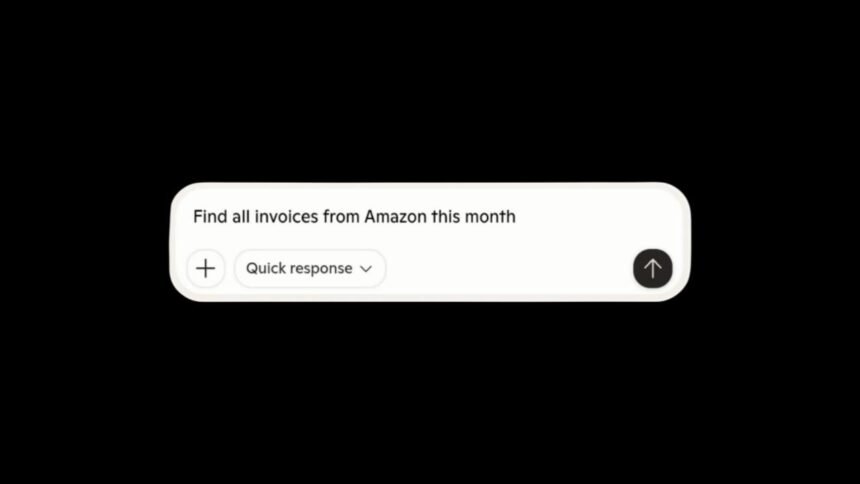
“Find all invoices from Amazon this month.”
“What’s John’s latest email address?”
Copilot can surface data from your emails, Google Drive, or OneDrive, and even cross-reference them.
Basically, your inbox just became searchable by natural language, powered by AI.
This move makes Windows Copilot more than a chatbot, it’s now a full-blown AI productivity layer sitting on top of your documents, calendars, and cloud storage.
It’s also a sign of Microsoft quietly competing head-to-head with OpenAI’s ChatGPT integrations and Google’s Gemini Workspace tools.
With the new OneDrive app and AI-powered gallery view launching next year, Microsoft’s vision for Windows is clear:
You won’t open apps to work, you’ll just talk to your PC.
Also Read: Sam Altman’s AI College Could Redefine What Education Means.